
TejasView - Save, Sort, Simplify
TejasView | Your Map, Your View
TejasView helps individuals and teams manage their locations with clarity. Create custom categories, set your own icons and colours, and build a clean map that fits your workflow. From field operations to personal planning, TejasView turns scattered places into an organised, easy-to-use location system.
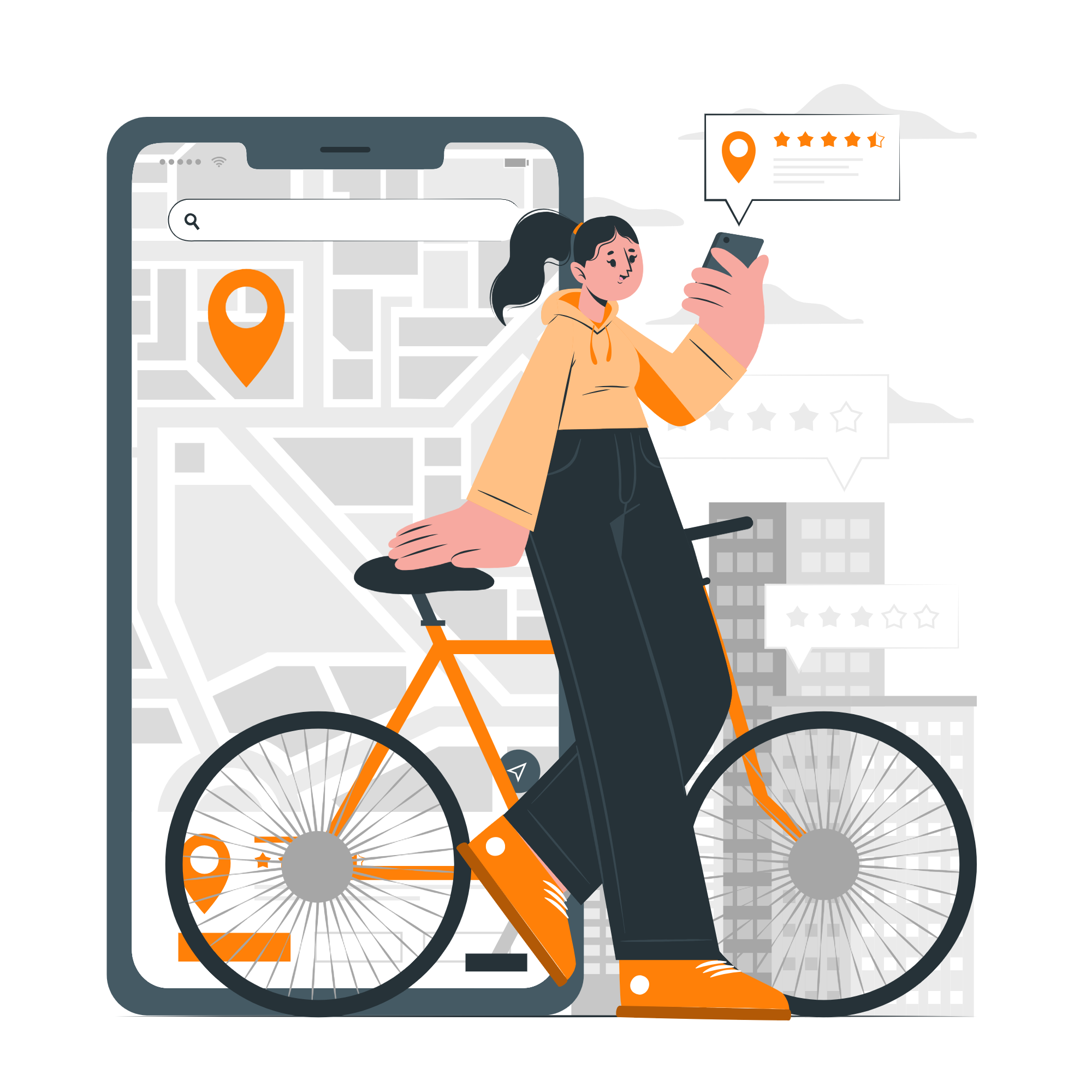
Smart Location Types - Organize Your Map, Your Way
TejasView gives you complete control over how you classify and manage every point on your map. Whether you’re tracking police checkpoints, business branches, delivery hotspots, assets, landmarks, or field-worker zones, Location Types help you group everything neatly. Create your own categories, assign unique markers, and instantly understand what each location represents at a glance.
With customizable colors, icons, and naming, Location Types transform your map into a clear, structured dashboard. No more confusion, no more clutter - every location stays organized, searchable, and easy to manage. It’s simple, flexible, and designed for teams who need clean visual control over their field operations.
TejasView Latest Blogs
TejasView Latest Blogs covers everything from Finance & Investment and Health & Wellness to Technology, Real Estate, Legal & Insurance, and more - designed to empower Gujarati readers with practical insights. Dive into expert-led guides on Education, Business & Entrepreneurship, Digital Marketing, Cyber Safety, and Creators & Influencers, all in a crisp, easy-to-understand style.

-
Tejas Support - 13 December, 2025
-
432
Learn why TejasView added custom marker styles and how icons and colours make fieldwork easier. A practical guide for users who manage many locations.

-
Tejas Support - 13 December, 2025
-
432
Explore real-life use cases of TejasView across field teams, technicians, delivery workers, inspectors and small businesses. See how organised location management improves productivity and on-ground efficiency.
-
Tejas Support - 13 December, 2025
-
432
Learn simple and practical ways to organize your saved places on TejasView. From naming and grouping to prioritizing and color-coding, this guide helps you manage small or large location lists with ease.